Setting up the Meet The Team Plugin
NOTE: Plugin security limits rendering to approved domains with an active Adviserly account.
Developers working with a development URL must contact Adviserly support at support@adviserly.com to have the development URL added to the security configuration.
Implement the Plugin Code as a boxed or full-width section on a webpage
Append this script in the exact location where you would like the plugin to render:
<script src="https://domainname.adviserly.com/plugin" type="text/javascript"></script>
Example:
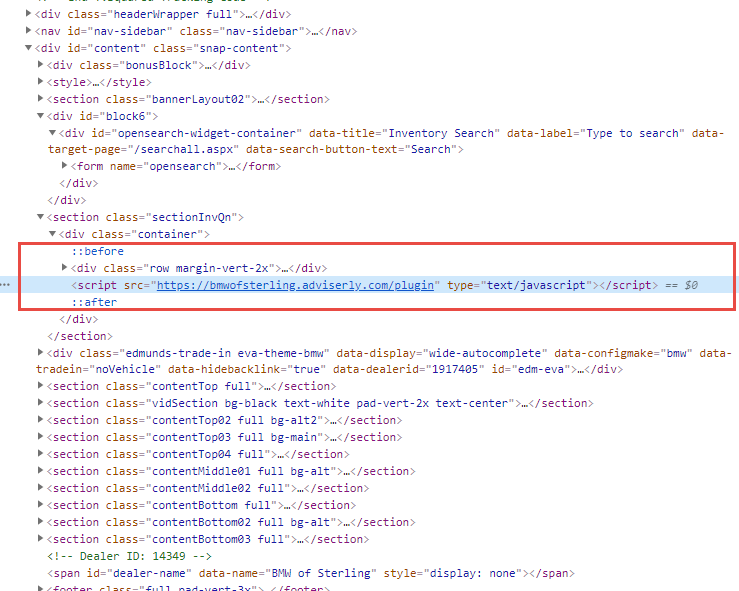
Replace the domainname text in the SRC attribute with the naked domain name of the website you are working with.
Example:

Let's suppose the website you are working with is https://www.bmwofsterling.com — place bmwofsterling in the script's SRC attribute as shown below.

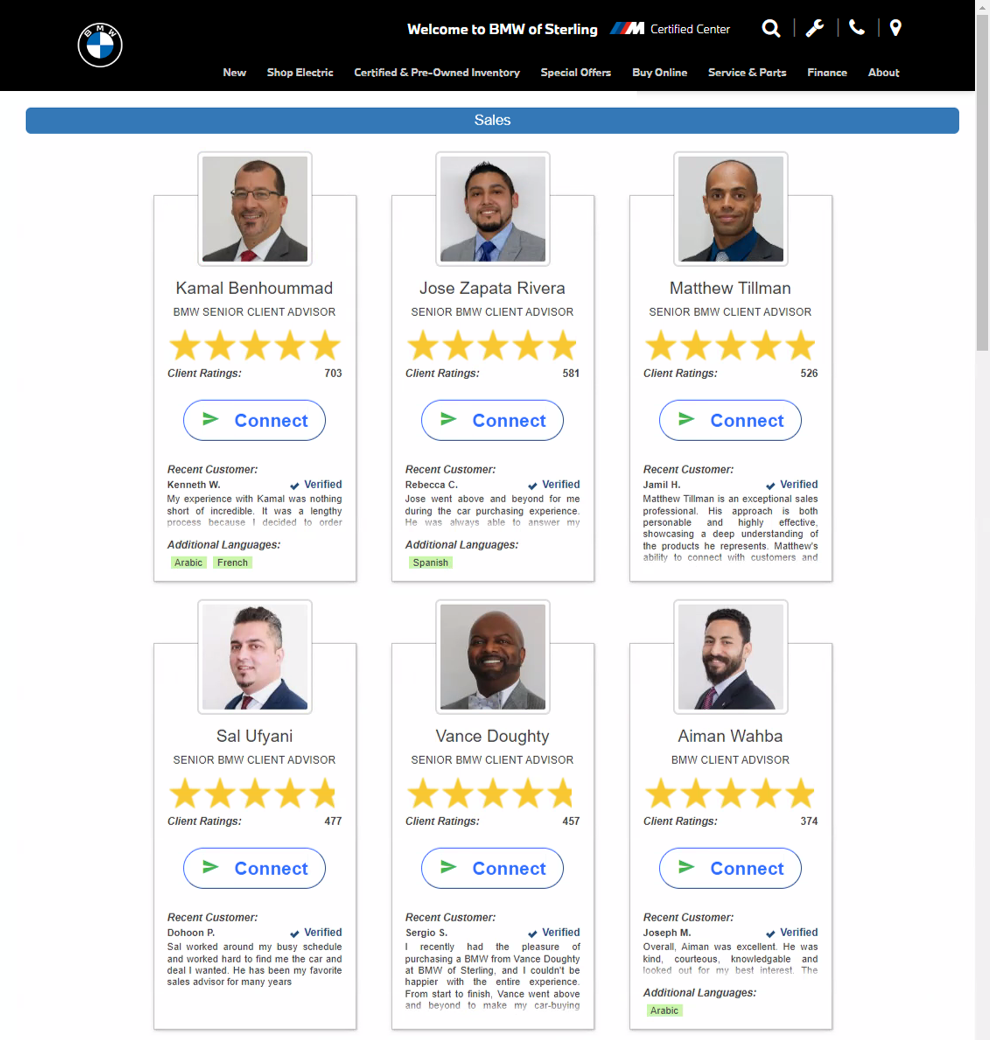
ALERT: Once the script has been implemented, it will most likely not appear on the page until Adviserly support has configured and activated the plugin.
Please send a message to support@adviserly.com to let us know that the script has been added to the page.